

BGpeel
Remove photo backgrounds, right on your Mac
One-time purchase · macOS 14 or later
- Price
- $9.99 one time
- Category
- Graphics & Design
- Requires
- macOS 14 or later
- Size
- 450 MB download
- Developer
- Snugbits indie
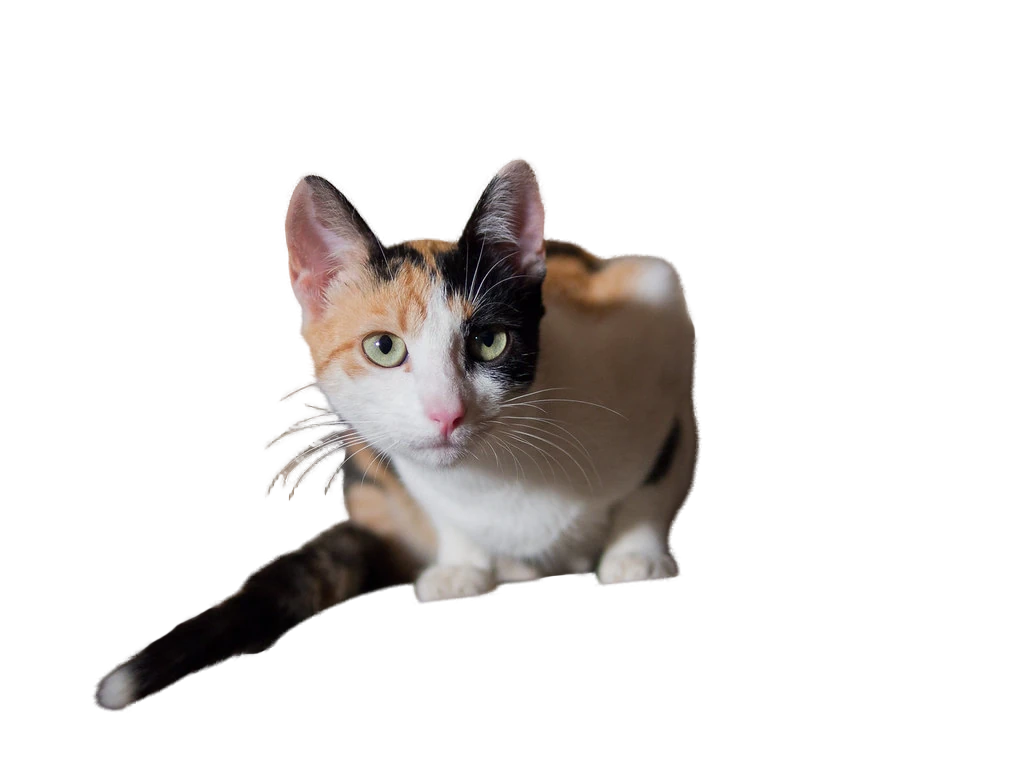
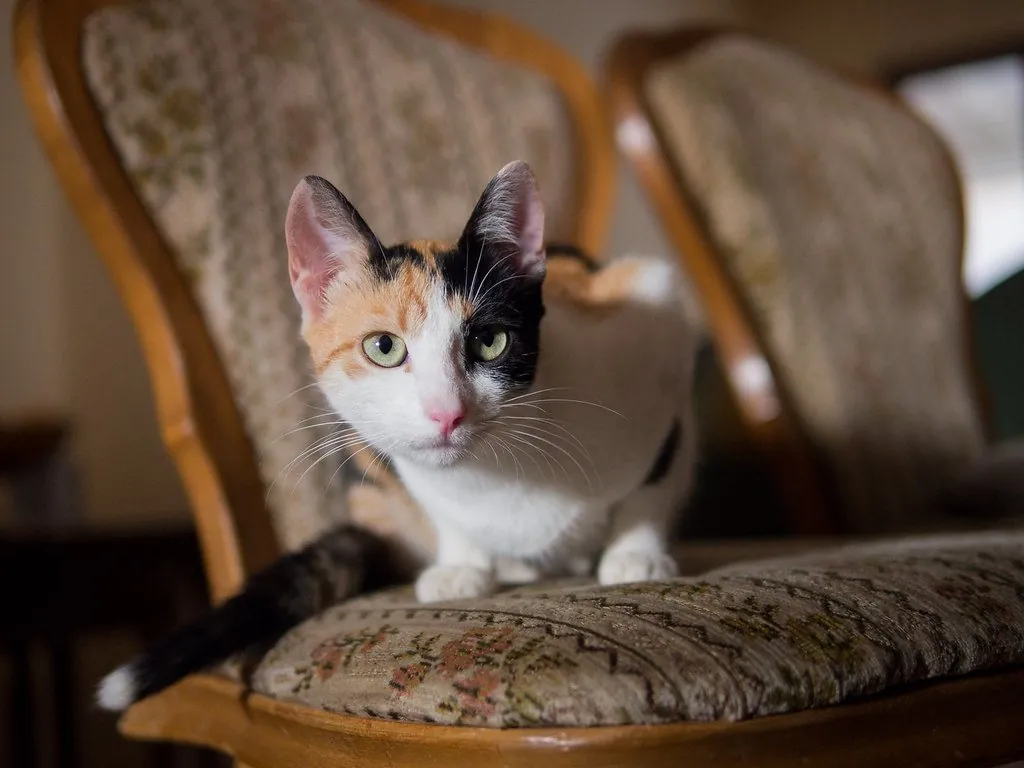
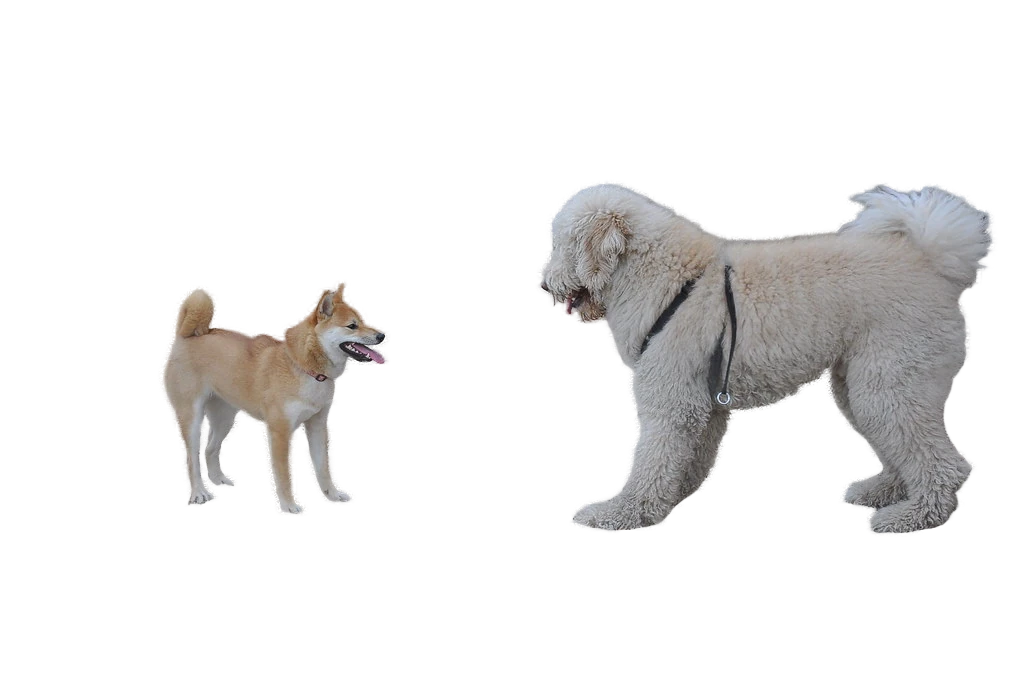
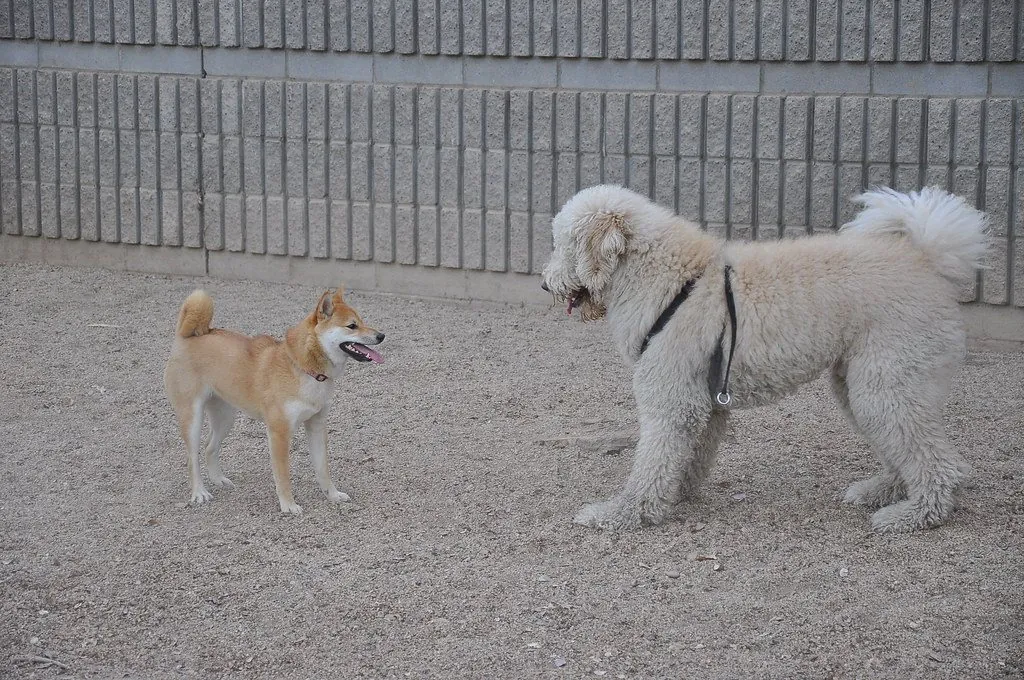
Drag the line to compare, or pick another photo. Every cutout is BGpeel's own output, unedited.
Photo: Ivan Radic (CC BY 2.0). Background removed with BGpeel.
BGpeel lifts the subject out of a photo in about a second and hands you a clean, transparent PNG. People, pets, products and furniture come out with their edges intact, right down to stray hairs, whiskers and bicycle spokes.
It is made for anyone who keeps an online background remover open in a browser tab: shop owners photographing products, designers laying out a page, anyone putting together a slide or a sticker. You get the same result without sending the photo anywhere, waiting on an upload or counting credits.
The difference is where the work happens. The model that finds your subject is built into the app and runs on your Mac’s own graphics chip, so there is no server, no sign-in and no fee per image. You pay once, and every photo after that is yours to process.
Hair and fine edges
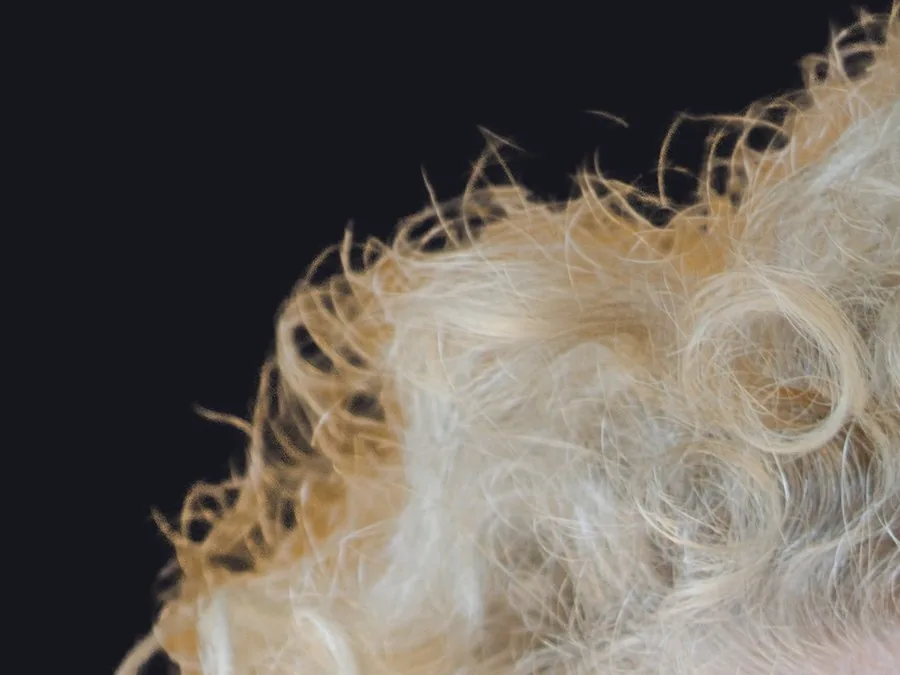
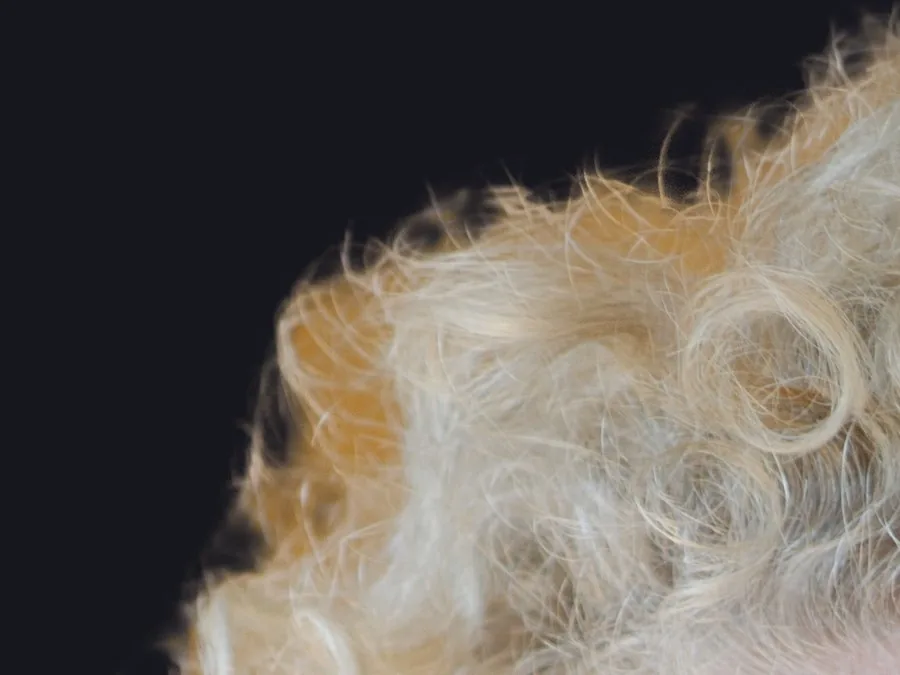
A closer second look at the tricky parts
One quick pass over a big photo cannot see individual strands, so hair turns into a soft blur with scraps of the old background caught inside. On large photos BGpeel goes back over the edges at full resolution and keeps only the detail that agrees with the rest of the picture.
- The first cutout is on screen in about a second
- The edges sharpen a few seconds later
- Choose Best, Balanced or Fast edge detail in Settings
How it works
Drop it in. Watch it peel. Save it.
Drag in one photo or a whole folder, paste from the clipboard, or open images straight from Finder. BGpeel works through the queue on its own, and each cutout is ready to download, copy or drag into another app.
- Reads JPEG, PNG, HEIC, TIFF and WebP
- Export All saves every cutout into a folder in one go
- Files are named after the original, which is never changed
Touch-ups
When it misses, paint the fix
No background remover gets every photo perfect. If BGpeel keeps a scrap of background or trims something you wanted, the Erase and Restore brushes put it right in a few strokes.
- Erase paints the cutout away, Restore paints the original back
- Undo and redo every stroke
- Edge colours are cleaned again after each stroke
Private by design
Your photos stay on your Mac
Client work, unreleased products and family pictures should not have to pass through somebody else’s server. BGpeel has no server to send them to: the whole job happens on your Mac, with or without a connection.
- No account, no sign-up and no usage tracking
- The only thing it sends is your license key, to check it now and then
- Keeps working offline for weeks
A website remover
- Your photo
- Upload
- Their server
 Download
Ready
BGpeel
- Your photo
- Your Mac
- Transparent PNG
Ready
Photos BGpeel has uploaded: 0 Its only trip online is a license check now and then.
Turn the Wi-Fi off and press Remove background again.
Compare
The job you use remove.bg for, without the cloud
How BGpeel compares with website background removers and the Remove Background Quick Action built into Finder.
| Feature | BGpeel | Website removers | Finder Quick Action |
|---|---|---|---|
| Photos stay on your Mac | Yes | Uploaded to a server | Yes |
| Works without internet | Yes | No | Yes |
| Full-resolution results | Yes | Often paid per image | Yes |
| Second pass for hair and fine edges | Yes | Varies | No |
| Erase and Restore touch-ups | Yes | Some | No |
| Compare with the original, preview on colours | Yes | Some | No |
| Price | Pay once | Credits or a subscription | Free |
Features
Nothing uploaded
The model runs on your Mac’s graphics chip. Your photos never leave the computer.
About a second
A typical photo is done in about a second on an M4 Pro MacBook Pro. Older Macs take a little longer.
Hair and fine edges
A detail pass on large photos brings back single strands, whiskers and spokes.
Whole batches
Queue up hundreds of photos and export every cutout into a folder at once.
Erase and Restore
Paint away leftovers or bring back what was trimmed, with undo and redo.
Full-size, clean PNGs
Transparent output at the photo’s full size and colour profile, without a halo of the old background.
Pricing
Pay once. No subscription, no account.
BGpeel
Up to 3 Macs
$19.99 $9.99
one-time purchase
Launch price for the first 20 licenses.
- Unlimited photos, no credits
- Full-resolution transparent PNGs
- Detail pass for hair and fine edges
- Batch export
- Erase and Restore brushes
- Works offline
- Every 1.x update
The price goes up as launch batches sell: $14.99 for the next 10 licenses, then $19.99.
Questions
Is BGpeel made by remove.bg?
No. BGpeel is an independent Mac app with no connection to remove.bg, which is a trademark of its owner. It does the same job, taking the background out of a photo, but on your own computer and for a single payment instead of credits.
Which Macs does it run on?
Any Mac with Apple silicon (M1 or newer) running macOS 14 Sonoma or later. Intel Macs are not supported. While it works, BGpeel uses about 2.5 GB of memory and frees it a few minutes after you stop.
Are my photos uploaded anywhere?
No. The model that finds your subject is inside the app and runs on your Mac. The only thing BGpeel sends over the internet is your license key, to check that it is valid, and it keeps working offline for weeks.
Why is the download about 450 MB?
The model that does the work ships inside the app. That is what lets BGpeel run without a server, and it is why the download is larger than a typical Mac utility.
How many Macs can I use it on?
Up to three of your Macs at a time. To move the license to a different Mac, deactivate it on one of them in Settings.
Is it a subscription, or are there credits?
Neither. You pay once and it is yours, with every 1.x update included. There is no limit on photos and no charge per image.
What kinds of photos does it handle best?
Photos with a clear subject, such as people, pets, products and objects. Like every background remover, it finds glass, smoke, veils and scenes without an obvious subject harder. For the occasional miss, the Erase and Restore brushes let you fix it by hand.
What file do I get, and how large can photos be?
A transparent PNG at the original photo’s full size, with its colour profile kept. Your original file is never changed. The largest photo tested so far is 54 megapixels.